

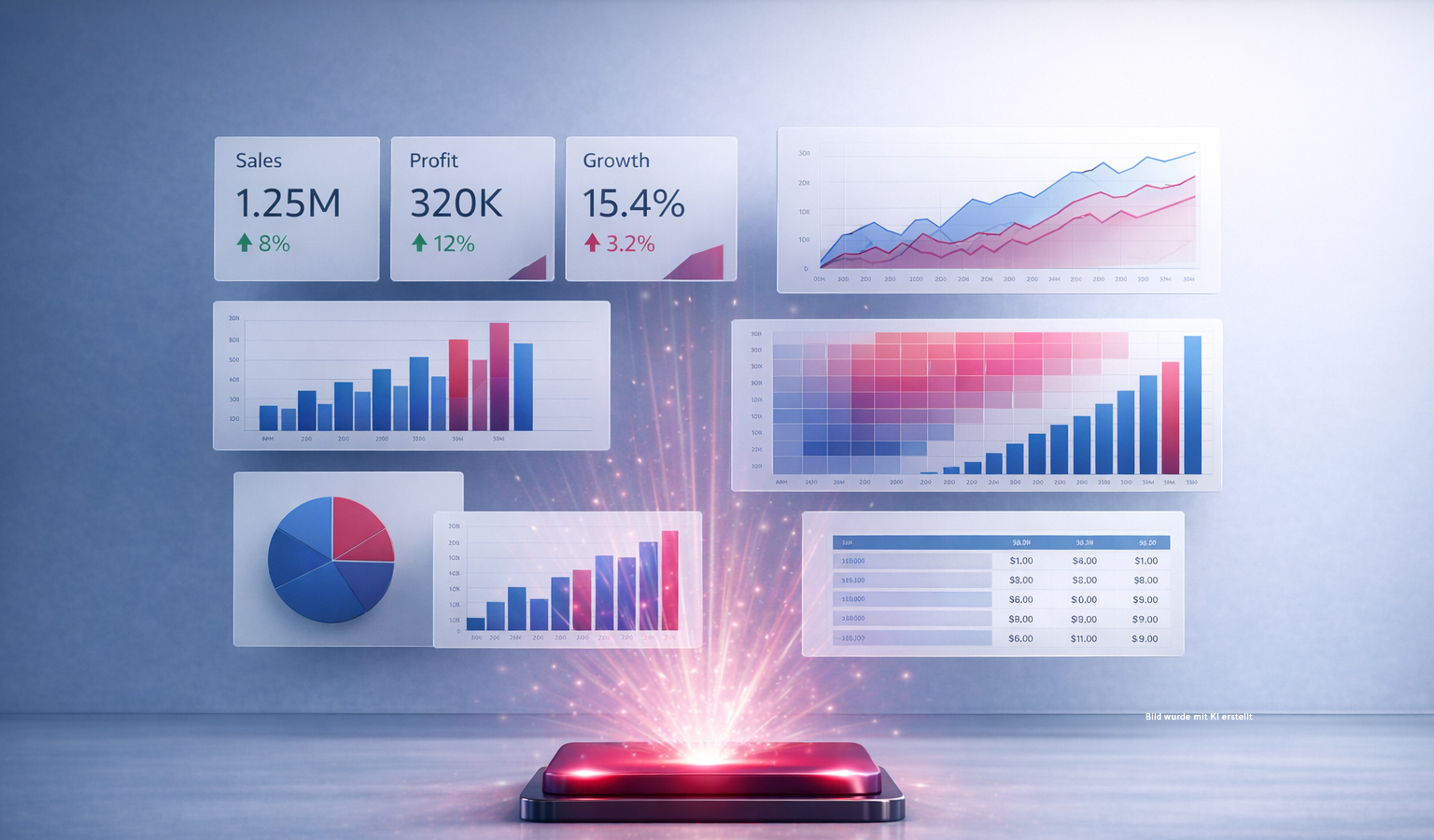
Insight at the touch of a button: Why BI is indispensable
The Price of Ignorance: Why Business Intelligence is Indispensable!
Every day, companies make hundreds of decisions – often without sufficient information. The result? A huge loss of value.
Organisations are investing heavily in data and analytics, but without the right insights, this leads to:
- Ineffective sales strategies
- Misguided marketing campaigns and customer churn
- Inefficient production and increased operating costs
- Inaccurate forecasts
- Bearing problems
- Unwanted headlines or even job losses
The ‘good enough’ approach to data and analysis is not enough.
Business Intelligence (BI) is the key. BI helps to optimise processes, save resources and time, and make better decisions – with a real impact on revenue, costs and risk management.
What is Business Intelligence (BI)?
BI involves the decision-oriented collection, processing and presentation of business-relevant information. The aim is to extract meaningful insights from data that help managers and teams make better decisions.
How does BI work??
- Data integration: Various data sources – from ERP systems and CRM to external data – are consolidated into a single centralised solution.
- Visualisation & Dashboards: Users can not only create descriptive dashboards, but also analyses that offer a glimpse into the future.
- Role-based access: Users with different roles access the BI tool and receive exactly the information they need.
- AI features & alerts: Modern BI systems offer AI-powered analytics and automatic notifications when thresholds are exceeded.
Instead of making phone calls or waiting for delayed responses, real-time information is available – for dispatch, customer service and customers alike.
Benefits of Business Intelligence (BI)
BI gives every business a competitive edge
Clear dashboards and reporting
BI dashboards make even complex data clear and easy to understand. There is also a reporting tool available that allows you to create attractive reports quickly and easily – without any complicated processes.
No programming knowledge required
Want to create analyses? It’s as simple as drag and drop. Users can flexibly compile, filter and select the data they need – in just a few clicks. What makes it special is that all the data is interconnected. Visualisations update automatically as soon as filters are applied. These filters are colour-coded and apply across all worksheets.
Performance at the touch of a button
Even large volumes of data are processed quickly and efficiently – with no waiting times. This means that businesses can access up-to-date information at any time.
Flexibility & mobility – data always at your fingertips
Dashboards can be customised and are not limited to desktop use. With the mobile app, users have their analytics at their fingertips at all times – whether in the office, on the move or working from home.
How Business Intelligence (BI) saves time – a real-world example
Imagine having to produce a sales report every week. Without a BI tool, this involves a lot of manual work, takes a great deal of time and creates potential sources of error. The following steps are required to produce a report:
- Data export from various systems (CSV, ERP, CRM): approx. 1.5 hours
- Cleaning and merging data: approx. 1 hour
- Creating pivot tables and charts: approx. 0.5 hours
- Checking and corrections: approx. 0.5 hours
This gives a total time of 3.5 hours per REPORT
With a BI tool, many steps are automated, such as:
- Data is loaded and updated automatically 0 Stunden
- Dashboards are preconfigured to take just 0.25 hours to check
- Adjust the filter to approx. 0.25 hours
This results in a total time of 0.5 hours per REPORT
The result is a time saving of 3 hours per week. This time can now be used for value-adding activities such as analysis, strategy and consultancy. BI tools make all the difference – less manual work, more time for what really matters.
FAQs: Frequently asked questions about business intelligence – explained briefly
1. What is Business Intelligence (BI) – in simple terms?
Business Intelligence (BI) makes data so clear and accessible that teams can quickly identify what is happening, why it is happening – and
what to do next. Instead of a jumble of figures, you get a clear basis for decision-making.
2. Why isn’t ‘good enough’ enough when it comes to data?
Because even minor inaccuracies or gaps in the data can quickly have major consequences: misplaced priorities, misguided campaigns, inaccurate forecasts – and consequently unnecessary costs, risks and wasted time.
3. What are the typical questions that BI answers on a day-to-day basis?
For example:
- Which products/services are actually profitable?
- Where are we losing customers – and why?
- Which processes cost the most time and money?
- What developments point to bottlenecks or risks?
- What should we prioritise this week/each month?
4. What is the difference between reporting and BI?
Reporting usually shows what happened (the past). BI goes further: it links data, reveals connections, enables interactivity, supports analyses – and can also provide early warnings through forecasts and alerts.
5. What data sources can BI integrate?
Typical examples include ERP, CRM, financial systems, Excel/CSV files, web and marketing data, and external data sources. The key point is that BI brings this information together into a central view, rather than leaving it in data silos.
6. Do I need programming skills to use BI?
Not usually. Modern BI solutions are designed for self-service: filtering, comparing, visualising – often via drag and drop. What’s more important is: asking the right questions and defining the right metrics.
7. How up to date is the data – is real-time data available?
That depends on the systems and requirements. Many BI setups use automatic updates (e.g. hourly, daily or near-real-time). For many decisions, ‘up-to-date enough’ is crucial – and, above all, reliable.
8. How does BI ensure data security and clear access rights?
About role-based access: Each person sees exactly the information they need – no more and no less. This ensures that confidential information remains protected, whilst teams can still work efficiently.
9. How exactly does BI save time?
Because it eliminates manual, routine tasks: data export, merging, correction loops and “Excel ping-pong”. Reports and dashboards are updated automatically – and teams can spend their time on analysis, strategy and action rather than data preparation.
10. When does BI become worthwhile – and what’s the best way to get started?
The quickest way to get started is to begin with a clear use case (e.g. sales, marketing performance, production, forecasts, stock/inventory). A practical approach is to launch a pilot project focusing on the key KPIs – and then expand it step by step.
11. What does ‘AI features & alerts’ mean in the context of BI?
BI can identify and report anomalies – for example, when thresholds are exceeded, trends reverse or risks arise. This makes BI an early warning system, rather than merely a tool for retrospective analysis.
12. What are the typical mistakes to avoid in BI?
- Too many KPIs without clear objectives
- Ignoring data quality (“The dashboard is all that matters”)
- No liability for key figures/data
- Viewing BI as a purely reporting-based project
- Starting too big rather than starting with a clear focus
Conclusion
Business Intelligence is not just a ‘nice-to-have’ but a key factor for success. Companies that use BI gain not only time but also clarity, speed and a competitive edge. BI helps to reduce costs, save time and resources, and optimise business processes.
- Those who ask better questions get better answers. And those who have better answers make better decisions.
- Now is the right time to leave the cost of ignorance behind and take a data-driven approach.
Sources:
Qlik. (2025) Qlik – Official website. Retrieved on 22 December 2025 from https//www.qlik.com/de-de
Microsoft (2025) Power BI – Official product page. Retrieved on 22 December 2025 from https//www mjcrosoft com/de-de/power -platform/products/power-bi?market=de
addHelix (2025) Business Intelligence – Solutions and Services. Retrieved on 22 December 2025 from https//www.addhelix.com/business-intelligence/
Author: Katharina Scheidl, Sales Representative